Simplify edge-to-cloud data management
Process data locally, sync with the cloud, and gain real-time insights with the embedded database built for IoT and the intelligent edge.

Build secure distributed IoT apps. Confidently.
Meet Zen, our trusted embedded database built for real-time decision making at the edge. Zen is designed for edge computing where low latency and security is crucial, helping developers manage data across geographically distributed endpoints.

Reduce ETL overhead
Simplify data processing by storing and querying data at the edge, minimizing the need for complex Extract, Transform, Load (ETL) processes.

Secure your data
Built-in security features safeguard your sensitive data at every stage, from sensor to cloud.

Enable offline persistence
Capture and store data even in disconnected environments, guaranteeing data integrity and data consistency.

NoSQL & SQL access
Enjoy the flexibility of querying data using both NoSQL and SQL interfaces, catering to diverse developer needs.

"From our first adoption to the present, of course, we have considered changing database several times, but when it came to an actual performance test, other powerful databases could not reach Actian Zen’s reading and writing speed at all."

"With the evolution of the Zen architecture, we can now deploy a small footprint/IoT-enabled database that can run in a serverless mode with just client libraries."
Embedded. Modular. Scalable.
Streamline development and ensure data consistency across devices, gateways, and the cloud with our unified, modular architecture.
Zen mobile
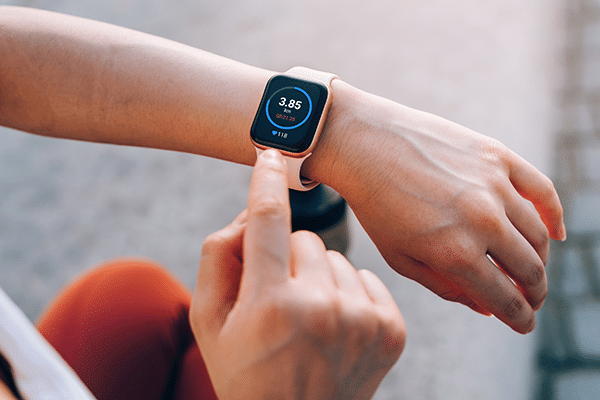
Designed specifically for mobile and Internet of Things (IoT) devices, Zen Mobile seamlessly embeds directly within your apps as a lightweight, packaged library. Its compact footprint ensures smooth operation even on resource-constrained devices, making it the perfect companion for data management on the go.

Zen edge
Ideal for edge gateways and complex industrial machinery, Zen Edge provides full client-server functionality. It empowers you to manage data locally. With support for over 100 concurrent users, it is ideal for commercial applications and scenarios requiring robust data processing capabilities at the network’s edge.
Zen enterprise
Built for large-scale deployments. Zen Enterprise seamlessly integrates with your existing enterprise applications, including ERP, Point-of-Sale (POS), and accounting systems. Designed to handle thousands of concurrent users, Zen Enterprise also offers flexible deployment options, on-premises or in the cloud.
Highly secure. Multi-model. Multi-platform.
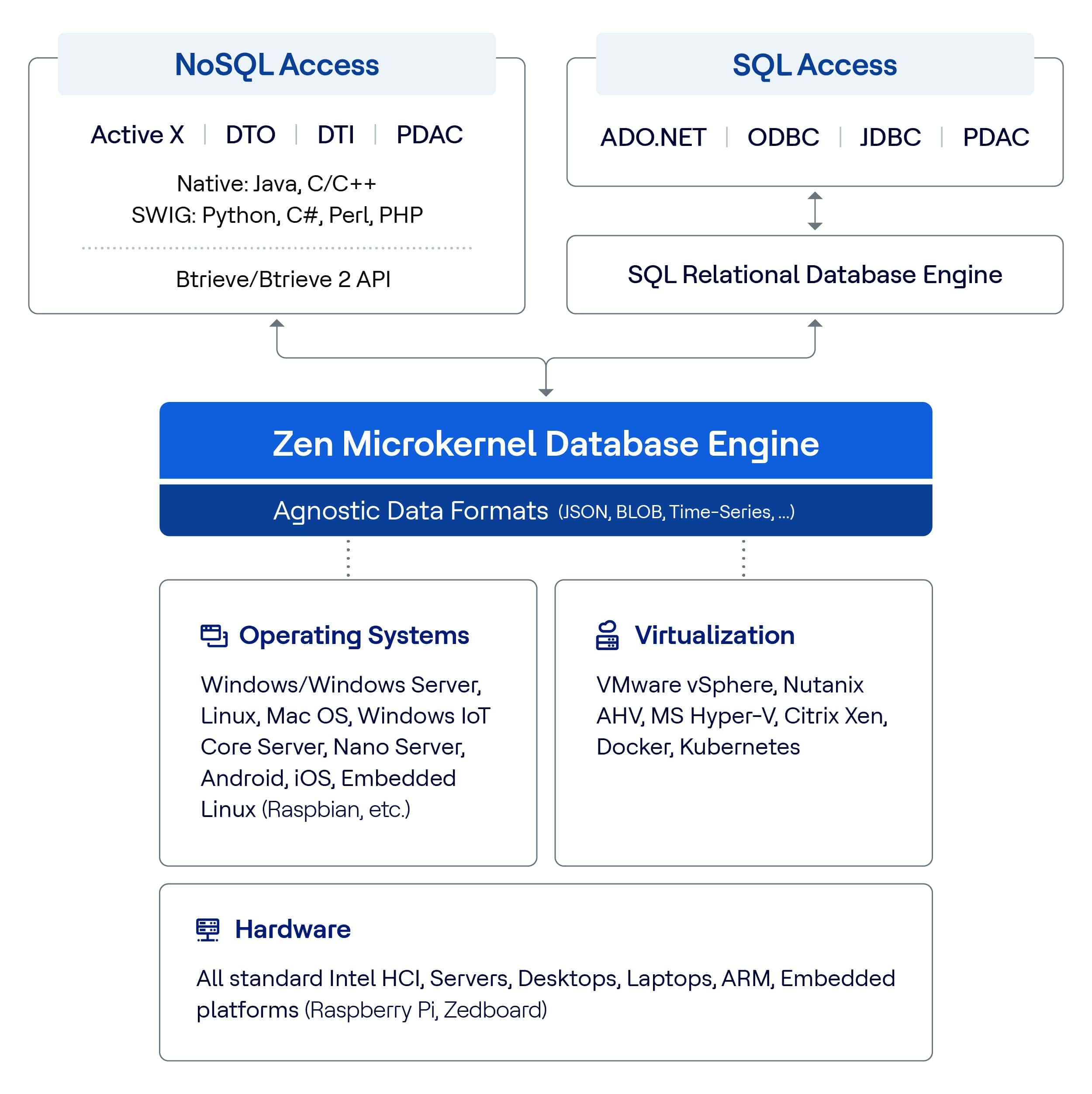
Everything else you need to deliver reliable edge computing solutions
Sync, Backup, Audit. Eliminate the need for additional tools to build secure, reliable, always-on apps.

DataExchange
Leverage DataExchange, the Zen database replication solution, to ensure business continuity. It offers secure, real-time data synchronization between Zen databases, efficient reporting, and remote access – all protected by built-in 256-bit encryption.

Backup Agent
Safeguard your Zen databases from disruptions. Backup Agent offers a user-friendly way to set up and manage continuous backups, ensuring data integrity and seamless integration with your preferred backup solution. Plus, its embeddable API allows for in-app integrations.

Audit Master
Ensure complete data security and regulatory compliance with Audit Master. It captures the who, what, when, where, and how of every database access and change, providing a detailed audit trail of all transactions for comprehensive analysis and risk mitigation.
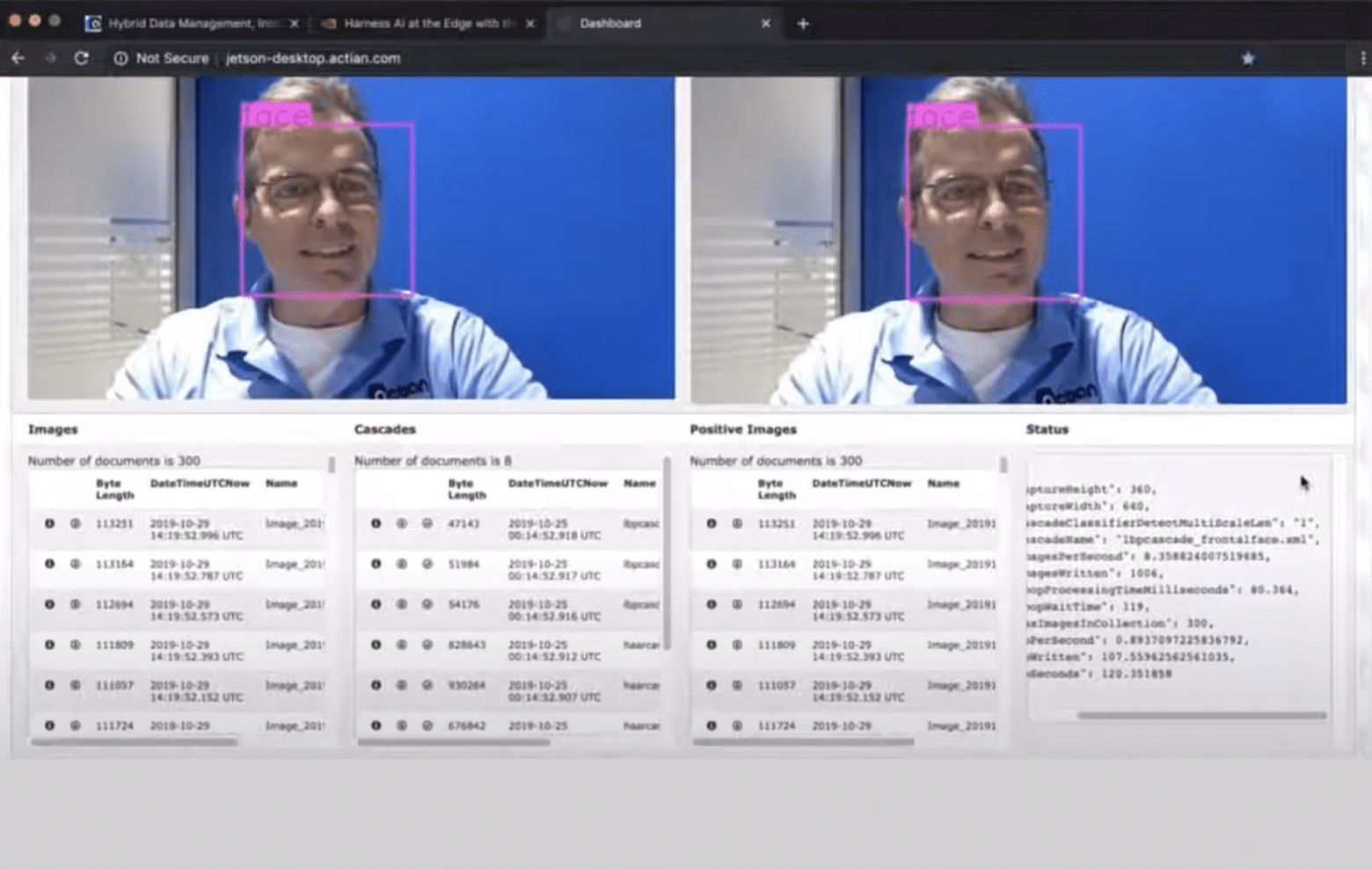
Zen python demo for facial recognition on a Jetson board
On a Jeff Fritz podcast, Tom Bates from Actian describes how he used Open Source ML routines and cameras to do real-time facial recognition detection and Zen DB storage on a Jetson.